
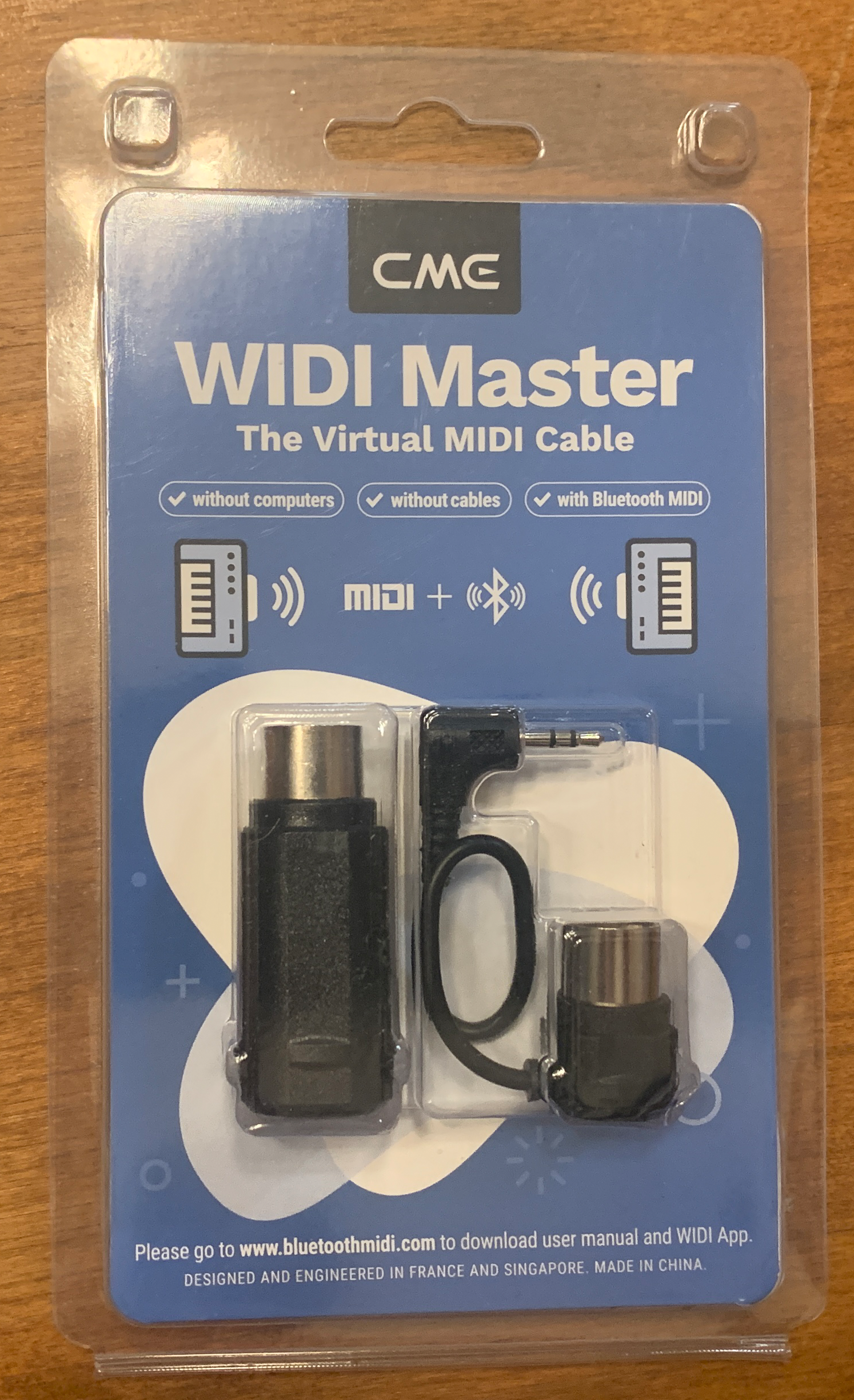
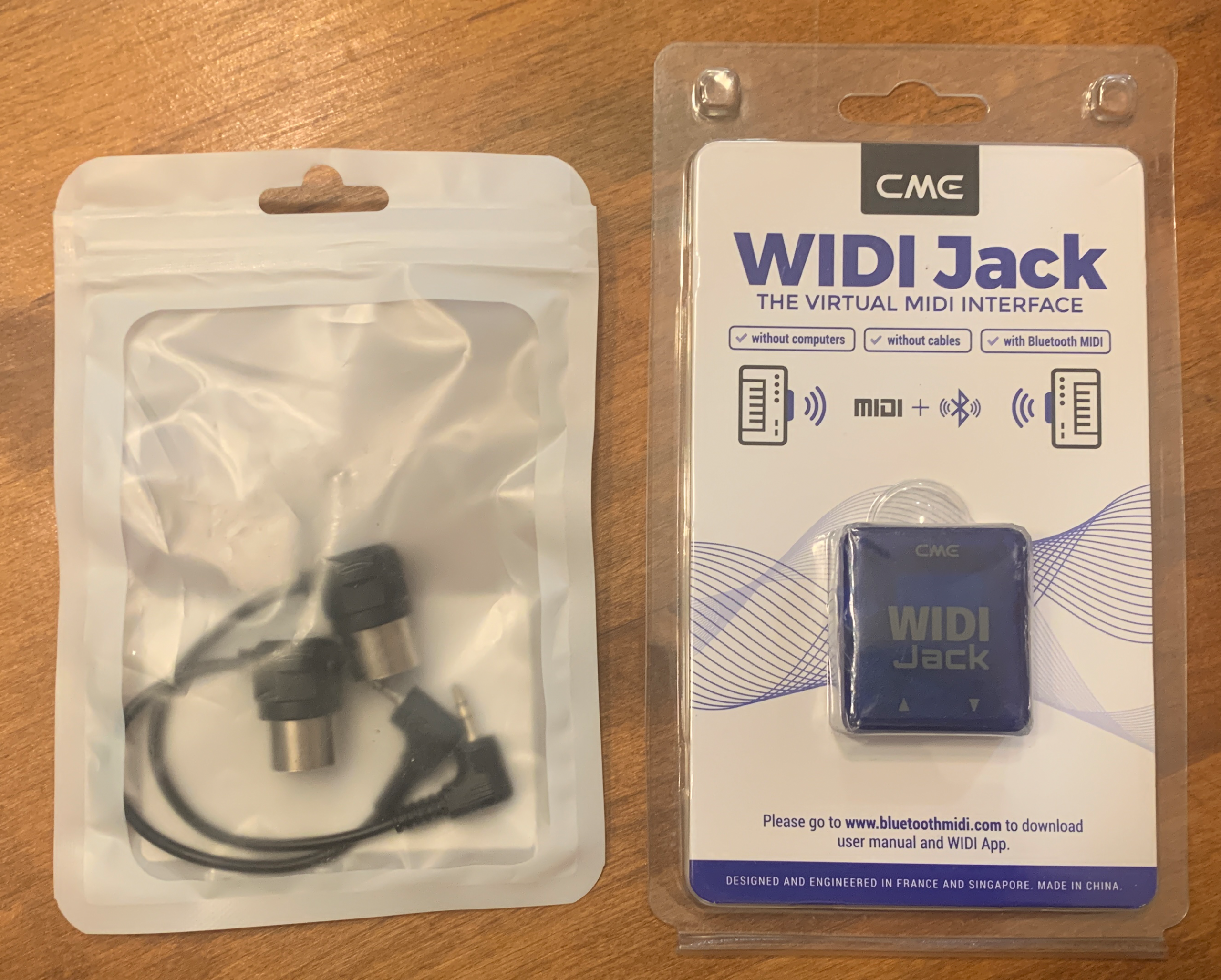
So if you follow my channel, you might already know that I’ve never been super impressed with BlueTooth MIDI on any keyboard I’ve ever reviewed; while some have seemed better than others, there was still always too much lag for me to ever bother using it (I’d always use a cable instead). Well . . . the products I’m reviewing today have changed my opinion on BlueTooth MIDI. Today’s review is on a couple of products from CME’s “WIDI” lineup of wireless Bluetooth MIDI products: the CME WIDI Master and the CME WIDI Jack. So what makes CME WIDI products special? These devices use “SCA” technology to optimize performance and minimize interference (which is a technology I fully admit to knowing NOTHING about ;), but what I DO know is this results in REALLY low latency when transmitting wireless MIDI using BlueTooth 5. AND this will transmit ANY MIDI message over BlueTooth, including notes, CC, MIDI clock, SysEx and MPE.
When using two of CME’s devices, you can apparently see latency numbers as low as 3ms, averaging 5ms, and no higher than 10ms, which are ALL INCREDIBLY low latency numbers!
So with a latency as low as 3ms in mind, I was SUPER interested to test these products out, mostly for my own personal use case, which is to use a MIDI controller wirelessly on stage with my Yamaha PSR-SX720 keyboard. So full disclosure, CME was good enough to send out review units for these 2 products for me to check out, but I WILL be giving you my honest opinion in this review. So with that out of the way, let’s check out the WIDI Master & WIDI Jack; I’ll start with the WIDI Master.
CME WIDI Master
Update Your Firmware
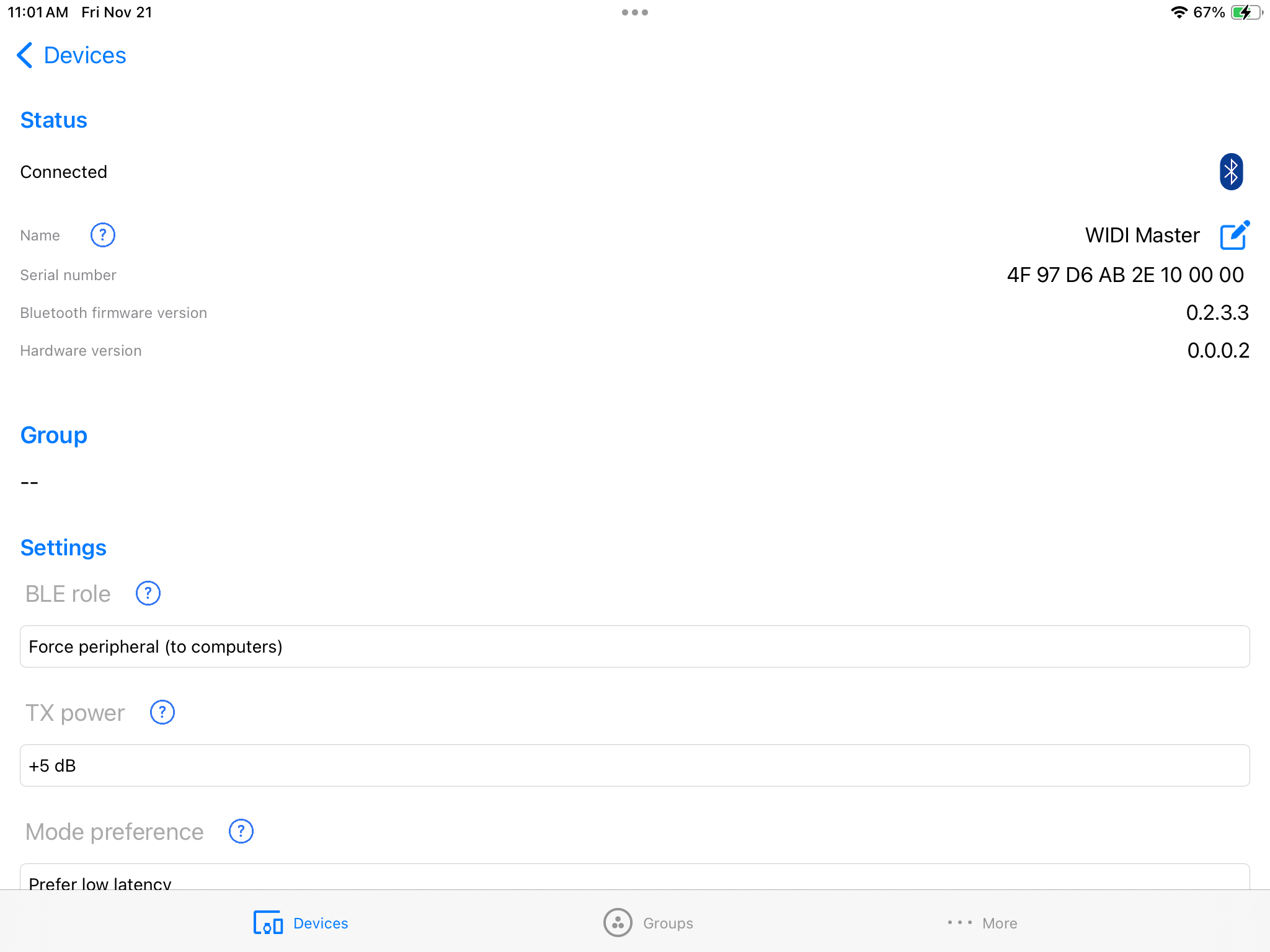
Ok quick note before getting started; when you get your CME WIDI Master, follow the included instructions to download and update your device to the latest firmware. That will basically involve downloading & installing the CME WIDI App for iOS or Android; as soon as you connect your WIDI Master to a keyboard’s MIDI port, it IMMEDIATELY appears in the app and then you can update the firmware (to be honest this was so fast, easy and seamless it gave me a good feeling about how well these devices are going to work 😉
OK so the CME WIDI Master consists of 2 parts, both with 5 pin MIDI connectors; the main part connects into the MIDI out port of your piece of hardware, and if your device also has a MIDI IN port (and you WANT to receive MIDI on this piece of hardware), you can optionally also connect that piece to the IN port. And if you do choose to use both, then you connect them together with the tiny cable.
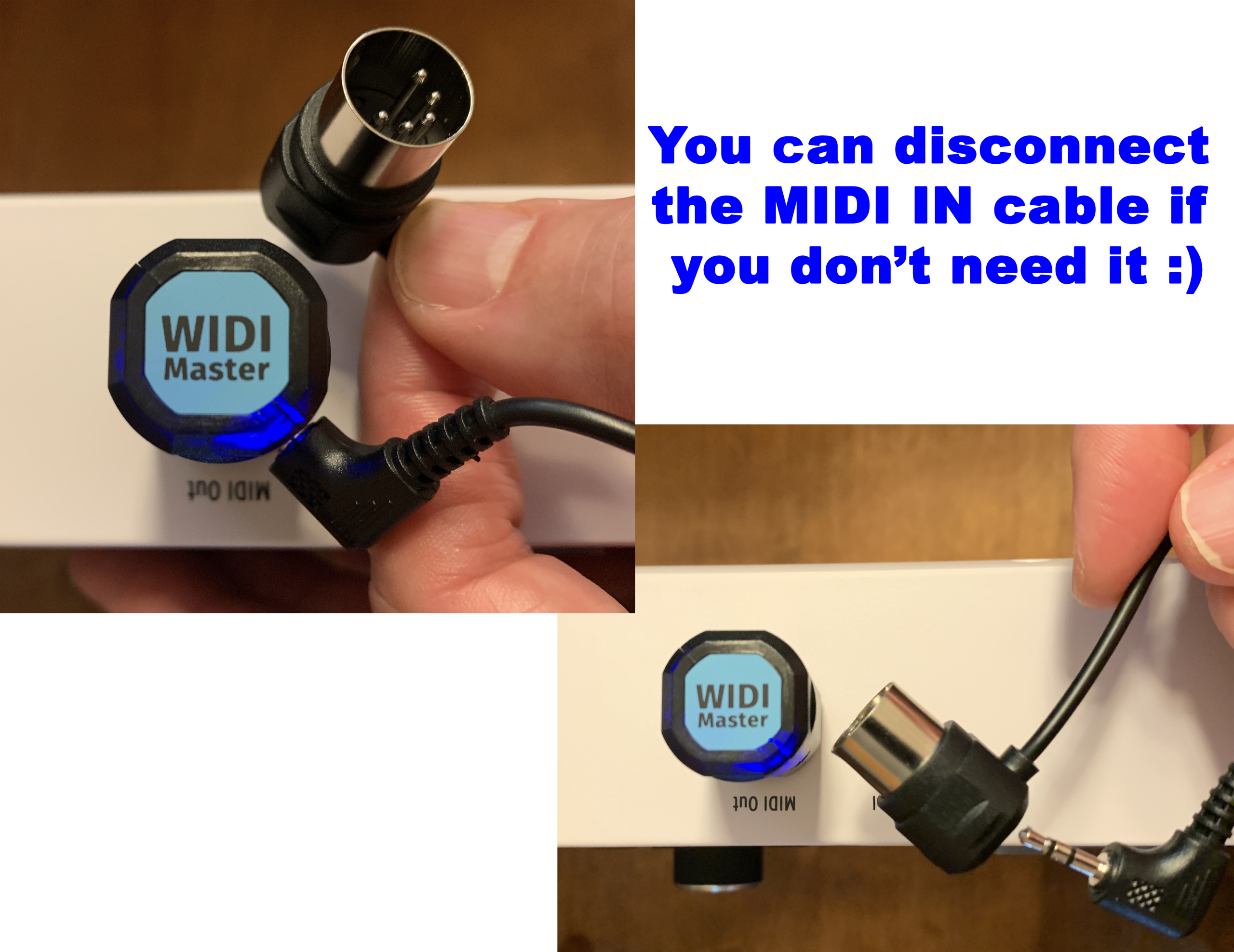
This is actually a well thought out feature, because if you only want to SEND MIDI, you only need the MIDI out piece, so you can just disconnect the IN from it to keep it from dangling from your hardware. Now another cool feature about these, is that they do not require any power – they are powered from the MIDI out port connection (and if you are using the IN as well, then the IN piece gets its power from the out, so super cool). Many of the competing options either have a built in battery that needs charging, or require you to supply power with a USB connection etc.
So let’s take a look at using the CME WIDI Master in more detail:
SENDING Wireless MIDI To A Device
So given that I’m not techie enough to actually measure lag in ms, I’m just going to be judging the CME’s performance based on whether or not I can detect any lag, and whether or not it’s either undetectable enough or small enough that I would actually consider using it to record MIDI. So with that in mind, I’ll start with a baseline example; this will be my Roland GO:Keys 5 (which has Bluetooth MIDI built in) connected to GarageBand on my iPad (so I’m NOT using a CME device here). Now the BlueTooth MIDI on the GO:Keys is actually the best Bluetooth MIDI I’ve come across in a keyboard, it has less lag than any other keyboard I’ve tried, but . . . it still JUST enough lag to make it unusable for me. Let’s check that out:
OK so as I mentioned, the lag is definitely still JUST noticeable enough for me to not bother using it. So now, let’s compare that to the CME WIDI Master. For this example, I can’t use the GO:Keys since it doesn’t have a 5 pin MIDI out port, so I’ll use my Arturia Keylab Essential MIDI controller instead. Since I don’t need MIDI in for this test, I have just the OUT portion of the CME WIDI Master connected to my Keylab Essential’s MIDI out port, so now I’ll test sending MIDI from the Keylab to GarageBand on my iPad so we can compare. And FYI, when I connected the WIDI Master to the Keylab, it found my iPad pretty much immediately.
So even though I’m only using one CME WIDI device here, just for the SENDING side (remember if you use a CME WIDI device on both ends, it reduces lag even MORE), it still MASSIVELY reduces the lag I’m experiencing, and . . . I would TOTALLY use this for recording MIDI. Now if you’re wondering how you could speed this up even MORE by also using a CME WIDI device on the RECEIVING end given that your computer, iPad or phone doesn’t HAVE a 5 pin MIDI port? Well you can, but for the device side’s connection, you need a different CME product – more on that in a bit.
Receiving Wireless MIDI FROM Another Piece Of Hardware WITHOUT Built In BlueTooth MIDI
To connect 2 pieces of hardware with 5 PIN MIDI ports together, you need TWO CME WIDI devices. So if I had TWO CME WIDI Masters, I could connect just the OUT to the sending keyboard controller, and the OUT and IN to the receiving piece of hardware (so my PSR-SX720 in this case). And the cool thing about having 2 CME WIDI products, is they seamlessly find and connect to each other automatically, without YOU having to do ANY setup which is awesome.
Now I don’t HAVE a second CME WIDI Master, but I’m still ok, because I DO have another piece of hardware . . . the CME WIDI Jack 🙂
CME WIDI Jack
Ok so how is the CME WIDI Jack different than the WIDI Master? Well basically, the WIDI Jack provides the same main function, which is connecting to the MIDI in and out ports on a piece of hardware to enable a wireless connection, BUT the WIDI Jack is NOT limited to just 5 pin MIDI ports. The WIDI Jack can be used with 5 different cable options depending on the connection you need; so you can get 1 MIDI Jack, and then get as many cable options as you need to fit whatever MIDI ports your devices happen to have.
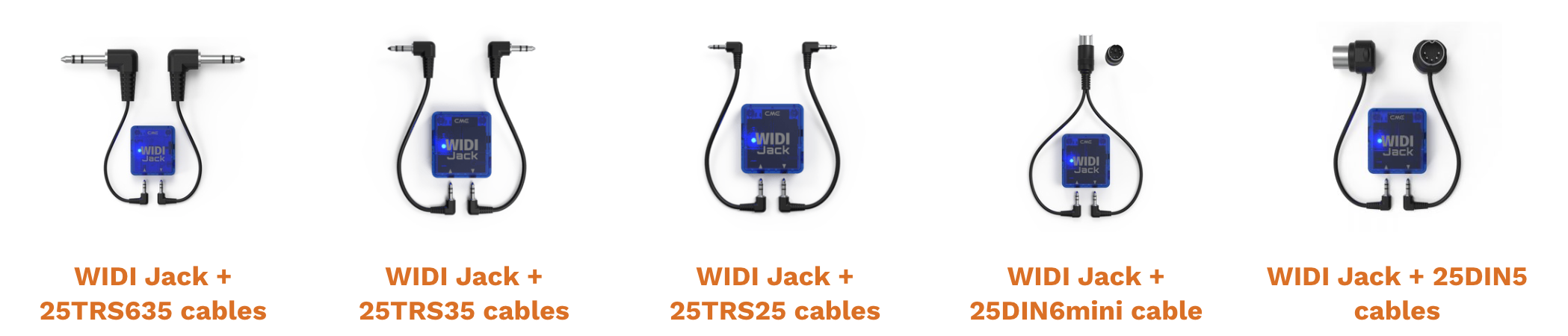
So CME sent me the WIDI Jack along with the traditional 5 pin MIDI cable, so for me – I can use the WIDI Jack the same as my WIDI Master. But some devices, like my Yamaha Reface for example, have a single SIX pin MIDI port (which is smaller than the 5 pin MIDI ports and doubles as in AND out).
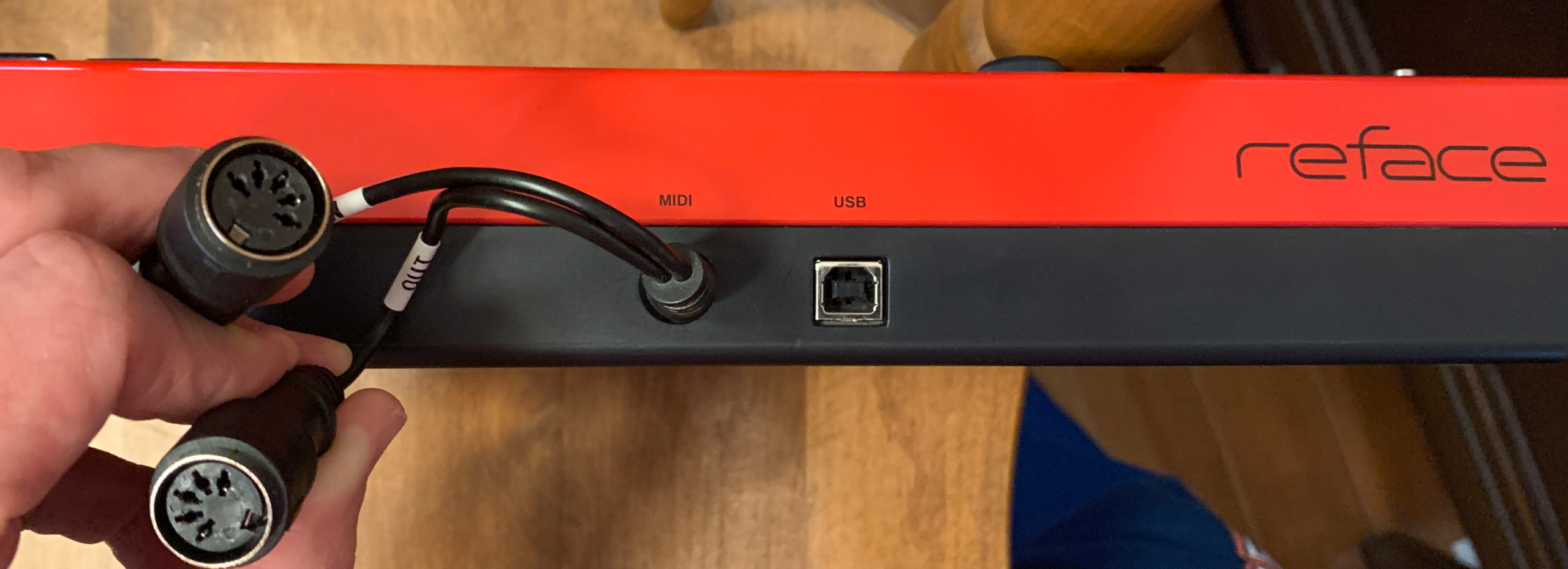
For this type of port you typically would typically need a “breakout” cable to split the in and out into two 5 pin MIDI ports, but you can skip that if you get the 6 pin cable for the WIDI jack instead. And, while I’ve never owned a device with any other type of MIDI port, there are also devices out there that use TRS ports for MIDI, and some of those are 1/4″ and some are 1/8″ etc – CME has cable options for all of those that you can use them with your WIDI Jack.
NOTE: You might notice the WIDI Jack has a USB-C port – FYI, this port is NOT meant to receive USB MIDI from a device; this is actually another feature that the CME WIDI Jack has that the WIDI Master does not . . .
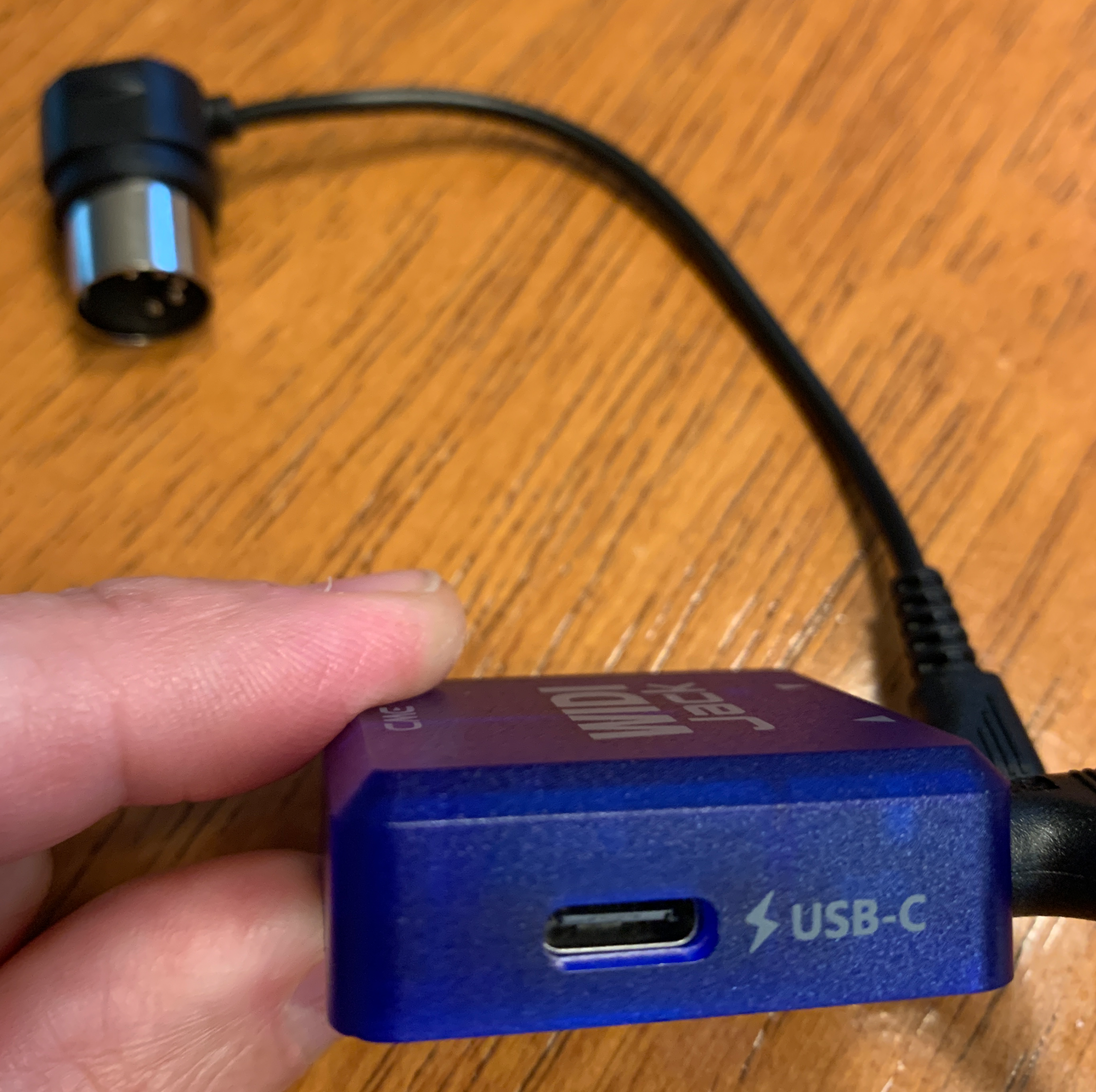
So what IS that extra feature? Remember I mentioned that the WIDI Master is powered from the 5 pin MIDI out port on your hardware? Well, not every device provides power through their MIDI ports, so for those devices the WIDI Master isn’t going to work. But the WIDI Jack solves this issue by including this USB type C port that you can use if needed (if your hardware does not provide power over its MIDI port) to provide power by connecting it to a power source with a USB-C cable.
So you might think; isn’t the whole point of wireless to be . . . wireless? As soon as you need to provide power to the CME Jack, doesn’t that introduce cables again? Well yes it does, BUT you can also solve this easily by just powering the CME Jack with a small pocket sized powerbank and problem solved.
Oh and one more quick note: if you order a WIDI Jack and you see what LOOKS like a battery in the package; it’s NOT a battery, it’s a magnet with a peel off sticky backing that you can stick onto the WIDI Jack and then use the magnet to secure the WIDI Jack on a stand or rack mount etc. Nice touch CME!
OK so let’s demo a couple scenarios using my 2 CME devices together:
Arturia Keylab Essential–>Yamaha PSR-SX720
So for this example, I have the WIDI Jack connected to the MIDI in and out ports on my PSR-SX720; note that my keyboard IS providing power through the MIDI out port, so I DON’T need to connect a USB cable to the WIDI Jack. For the sending side, I have just the MIDI out portion of the WIDI Master connected to the MIDI out port on my Keylab Essential MIDI controller. And note that the Keylab is also providing power, so I’m all good with just the WIDI Master here.
OK so that works extremely well, I am not detecting ANY lag, even when I took the Keylab into a different room in my apartment.
Yamaha Reface<–>Yamaha PSR-SX720
So now just one more quick demo for you; this time I’m going to replace the Keylab Essential with my Yamaha Reface. So I first tried connecting the WIDI Master out to the Reface’s MIDI out port from the breakout cable – and . . . the Reface does NOT supply power. So in this case I had to switch the devices and use the WIDI Jack with the Reface so that I can add a USB power source, and use the WIDI Master in and out on my PSR-SX720. Once I did that, it worked great. Now just like the WIDI Master, if you only need the OUT, you only have to connect that cable to the WIDI Jack (so you don’t have the other one dangling around). But if I DO connect both the in and the out to the Reface’s MIDI ports? Then we actually have a 2 way connection – I can trigger the PSR-SX720’s sounds from the Reface, AND I can trigger the Reface’s sounds from the PSR-SX720!
And this is actually a great example of how little lag there is; on either keyboard, when I play a note it sounds on both the local keyboard and the other keyboard pretty much simultaneosly, which is awesome.
Other CME WIDI Products
Remember when I mentioned earlier that CME also has solutions for connecting devices together that DON’T have 5 pin, 6 pin or TRS MIDI ports (so devices that only have MIDI USB ports)?
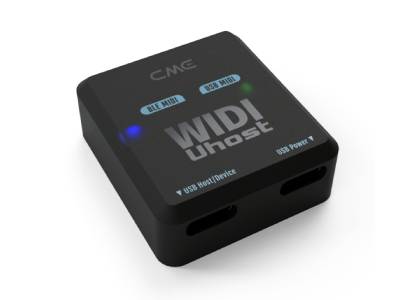
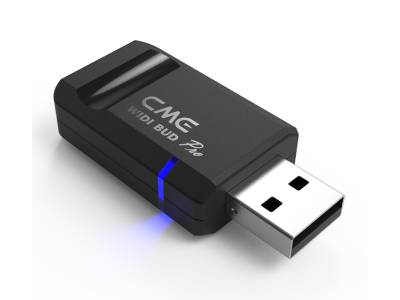
That’s where the CME WIDI Host and WIDI Bud Pro come in.
CME WIDI Host
The CME WIDI Host will act as a MIDI host for your USB MIDI device. So with this one, you could connect it to a USB MIDI out port found on keyboards and now that keyboard has wireless MIDI, or you could also connect it to a computer or device to use instead of that device’s built in MIDI.
CME WIDI Bud Pro
The WIDI Bud Pro will connect to your computer, tablet or phone (with any necessary adapters) and upgrade that device’s BlueTooth to the super fast CME version.
What’s Missing?
Well? Nothing, really 🙂 These products not only perform extremely well, but they are very well thought out and implemented. For example, being able to unplug cables you’re not using is a real nice touch. And while you can get away with just one of these devices in many situations (connecting a keyboard to a computer, or connecting to another piece of hardware that has built in BlueTooth MIDI already), keep in mind that if you have a CME device on both ends, that will maximize your connection speed and minimize your lag, and the connection setup is automatic that way. So in the example of connecting a keyboard to a computer, your overall speed will improve if you use a CME WIDI Host or WIDI Bud connected to the computer as opposed to the computer’s built in BlueTooth. For my use case, having one WIDI Master and one WIDI Jack is perfect; that allows me to connect any 5 pin MIDI controller to my Yamaha PSR-SX720 regardless of whether it provides power through the MIDI port or not. I will probably add a WIDI Host to round out my collection, since that will cover me for connections to my Macbook and iPad as well.
The Verdict
Well this was a real easy verdict; CME WIDI products are AWESOME! Well thought out, well designed, easy to use and they PERFORM!
I Can ENTHUSIASTICALLY Recommend CME WIDI Products!
So if you want to check out current prices in your area for the CME WIDI Master or any of their other products I talk about in this review, please check out my affiliate links below.
Thanks so much, and happy “BlueToothing!”
I have included links below so that you can check current pricing – please note that as an Amazon Associate I earn from qualifying purchases
CME WIDI Jack (make sure you also get the right cables!)
Video Version Of This Review
Piano Training I Recommend
I’ve taken a number of online piano courses and tried various piano learning apps; the ones I’m listing here are my favorites and I can highly recommend any of these if you are looking for some online training to get started on learning piano, or to take your current skills to the next level.

Bird’s Piano Academy is one of my absolute favorite online piano programs. Arthur Bird has created multiple courses on getting started learning piano quickly as well as great intro courses on Blues, Jazz and more. And his courses are chord based, so you don’t have to read sheet music which is AWESOME and definitely the fastest way to learn to play modern music. You can go with a subscription that includes ALL his courses, or you can buy individual courses a la carte with LIFETIME access – HIGHLY RECOMMENDED!

If you’re looking for the least expensive way to get started on piano, Pianoforall is a great option. It’s a unique course created by Robin Hall that uses downloadable eBooks with embedded videos and audio instead of a website.

This course is an amazing option for learning piano from beginner up to being able to perform; it teaches multiple genres of music and focuses on how to be a “one person band” on the piano. This course is taught by pro pianist Steve Lungrin – Steve has been teaching and performing his whole adult life and is a fantastic instructor and performer.
I took this course from 2020 to 2021 and it elevated my playing from a very basic level to being able to play songs in multiple genres.
I was super excited when Simply Piano added the “Chords Path” to their super popular piano training app (iOS or Android); this path allows a new student to get started learning piano using a chords based approach (which I HIGHLY recommend over a traditional approach). Learning to play using chords is by far the easiest and fastest way to learn to play modern songs (MINIMAL sightreading ability is needed). I did the entire chords path, and can highly recommend that you check it out (you will get a trial period so why not?)

This is a fantastic option if you are mostly interested in rock music. This course was created and is taught by Marine Lacoste, who is not only a fantastic instructor & pianist, but she is also a very accomplished hammond organ player – she performs regularly with her own band, as well as playing keys regularly for multiple recording artists on tour. I started this course in 2023 when I joined a band, and it is helping me greatly in taking my playing to a new level. And Marine is constantly adding new content, and is very active on the platform.
If you sign up for Online Rock Lessons yearly subscription, use code PIANOTONE at checkout to let Marine know I referred you, and she will give you some free bonuses!

This is a fantastic (but pretty unique) online program for taking your piano and organ playing skills to the next level, developed by pro piano, keyboard & Hammond organ player Mike Little. Mike shares tips & tricks accumulated from over 30 years of pro touring, gigging, studio & production experiences. This course isn’t for a COMPLETE beginner, but you don’t have to be a super accomplished player either, to get TONS of value from this program!

Ultimate Piano isn’t an actual course to learn how to play, but it IS a really helpful TOOL for piano students. You connect your keyboard to your computer, go to Ultimate Piano’s website (so NOTHING to install!) and you have a ton of helpful training and exercises at your disposal, as well as built in piano sounds. With the help of on screen light up keys, you can learn and practice scales, chords and even ear training and you can play along with MIDI or audio files, and even YouTube videos to practice songs!